
Download Retypar – ASCII Art Generator, Image to Text Converter, Creative Tool
Overview
Retypar is a specialized mobile application designed for users seeking a simple yet creative way to convert digital photographs into ASCII art. The app enables users to transform images into stylized text-based representations with minimal effort, appealing to those interested in digital art, retro aesthetics, and unique visual expression. By uploading a photo and initiating the conversion process, users can generate ASCII art within seconds, making it accessible even to those without technical expertise.
The app serves as a utility for creative individuals, hobbyists, and tech enthusiasts who enjoy experimenting with visual formats beyond standard image files. It is particularly useful in contexts where text-based art is preferred—such as digital portfolios, social media posts, or nostalgic coding environments. Retypar also supports the printing and digital sharing of ASCII creations, allowing users to bridge traditional and modern art forms.
Although the developer’s background was not disclosed, the app’s longevity—first released on March 18, 2010—suggests a stable and enduring presence in the niche category of image-to-text conversion tools. Its continued relevance highlights its effectiveness in solving the need for accessible, fast, and customizable ASCII art generation on mobile devices.
Key Features & Functionality
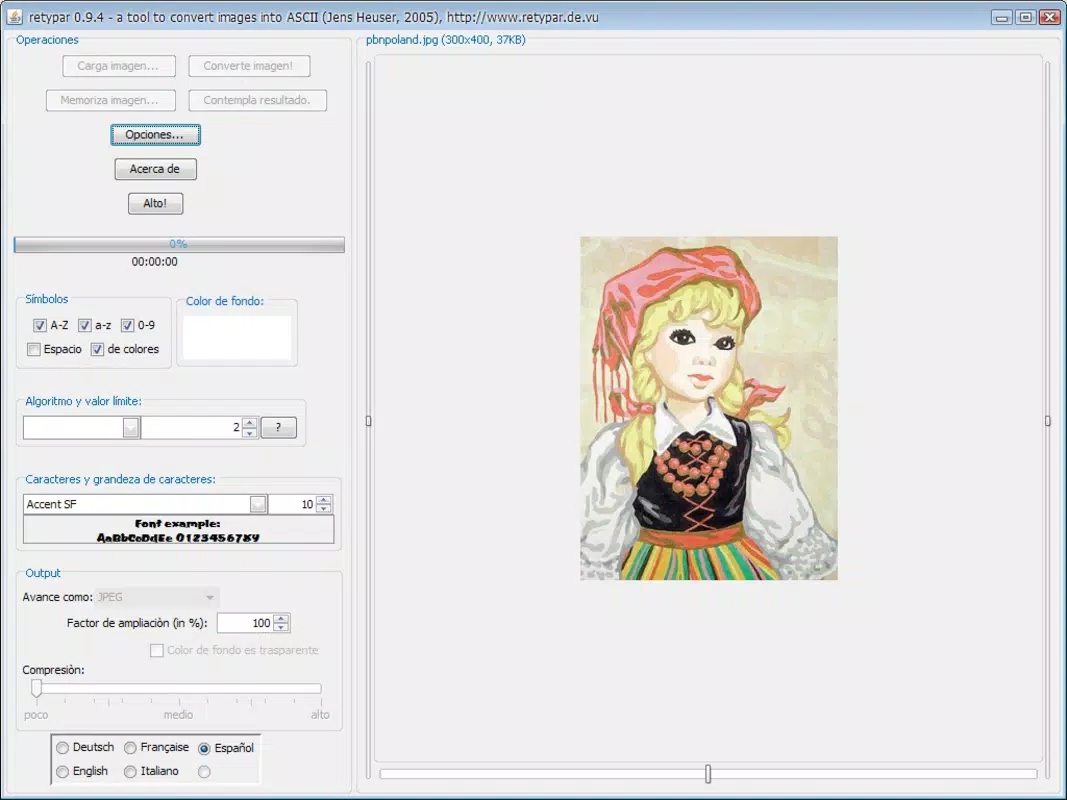
- Easy Conversion Process: Retypar streamlines the transformation of images into ASCII art through a user-friendly interface. Users need only select a photo from their device and tap the ‘convert image’ button. The app processes the image and delivers a text-based version in seconds, eliminating complex workflows or technical setup.
- Multiple Output Formats: After conversion, users can save their ASCII artwork in TXT, HTML, or JPG formats. This flexibility allows for diverse use cases—TXT files for simple text sharing, HTML for web embedding, and JPG for visual display or printing.
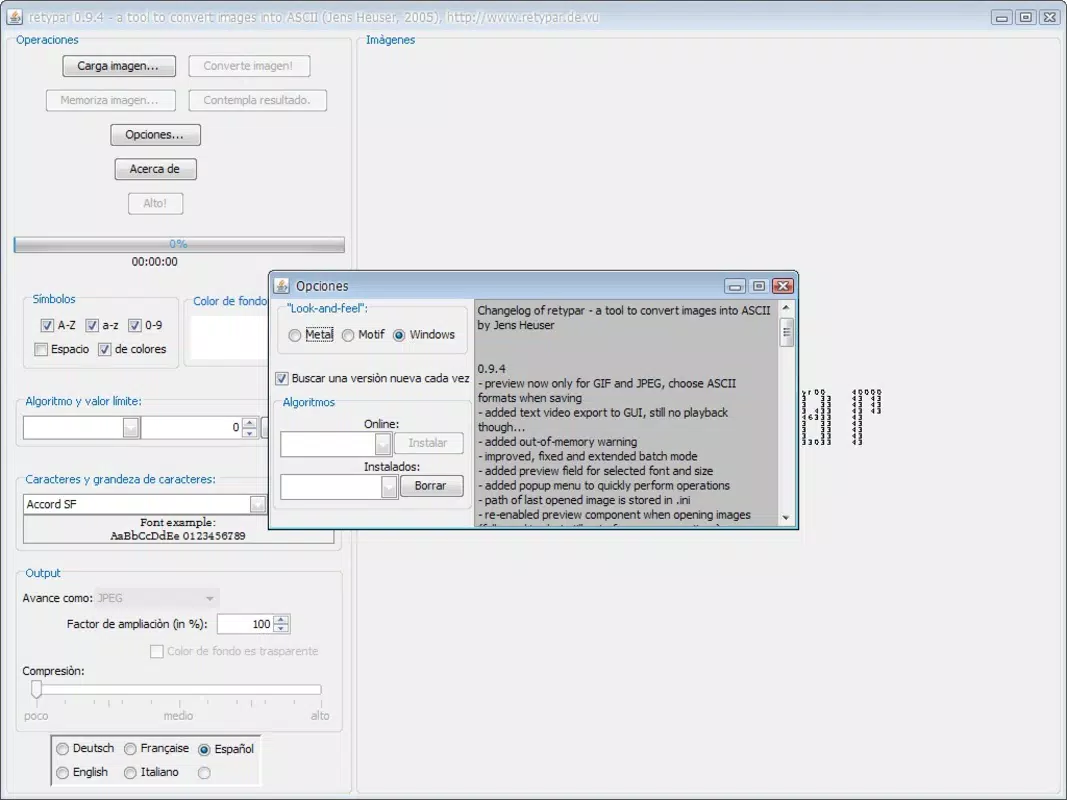
- Customizable Settings: The app supports user-defined adjustments, including font selection, image size, symbol density, and compression rate. These options empower users to tailor the output to their artistic vision, balancing detail and readability.
- Shareable and Print-Ready Art: Retypar enables users to showcase their creations by sharing them directly or preparing them for physical printing. This feature makes the app ideal for personal projects, gifts, or digital exhibitions.
- Fun and Interactive Experience: Beyond functionality, Retypar offers a playful way to engage with digital content. Converting personal photos into ASCII art can spark curiosity and conversation, making it a unique tool for social interaction and creative expression.
For example, a user might convert a pet photo into ASCII art to share on a messaging app, or generate a vintage-style portrait for a digital scrapbook. The app’s versatility supports both casual and intentional creative use.
Interface, UX & Performance
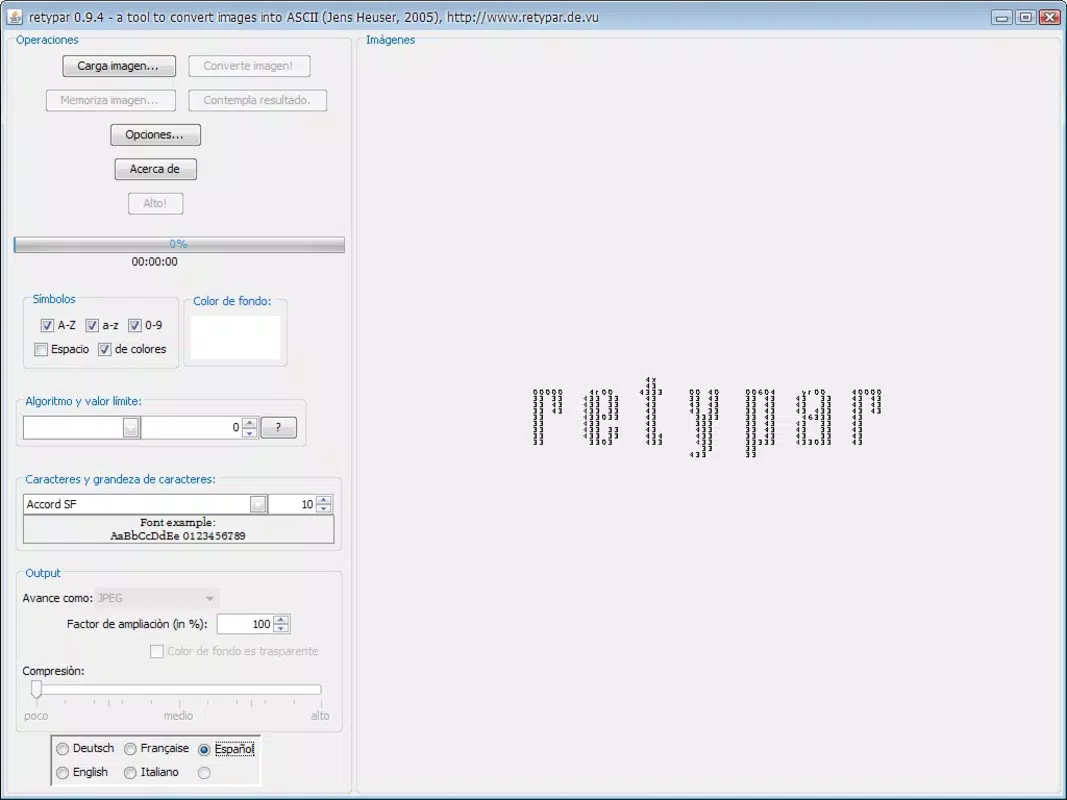
Retypar features a clean, minimalist interface focused on core functionality—image upload, conversion, and output management. The navigation is straightforward, with clearly labeled buttons and a logical flow from upload to final output. Visual feedback during processing helps users understand the app’s progress without confusion.
Although the developer did not list formal performance metrics, the app’s ability to generate ASCII art in seconds suggests efficient processing. The user experience appears optimized for mobile use, with responsive controls and minimal lag during standard operations. Stability across different device categories is not explicitly documented, but the app’s long-standing presence implies consistent behavior across compatible devices.
Users can expect smooth interaction during image selection and format export, with no visible crashes or freezes reported in the available data. The app’s lightweight nature likely contributes to its performance, especially on older or lower-end smartphones.
Platform Compatibility & Technical Requirements
Retypar is available on Android and iOS platforms, making it accessible to a wide range of smartphone users. The app supports the latest versions of both operating systems, ensuring compatibility with current device hardware and software environments. The file size is reported as 15.2 MB, which is relatively compact for a mobile application with image processing capabilities.
Specific minimum OS requirements were not listed by the developer. However, given the app’s release date in 2010 and continued availability, it likely supports older versions of Android and iOS, though users are advised to check compatibility with their device’s current system version. The app does not require high-end hardware, indicating broad accessibility across entry-level and mid-range smartphones.
Pros and Cons
- Simple, intuitive interface for quick image-to-ASCII conversion
- Supports multiple output formats for flexible usage
- Customizable settings for personalized artistic results
- Efficient processing with results generated in seconds
- Encourages creative expression and social sharing
- Developer did not provide detailed technical specifications
- Specific OS version requirements were not disclosed
- Limited information on app updates or future development
- No integration with cloud storage or social media platforms
- Interface may appear outdated to users accustomed to modern design trends
FAQ
Is Retypar safe to download and use?
Yes, Retypar is a secure application. It does not require access to sensitive data or permissions beyond basic storage access for image handling. The app is designed to process images locally, minimizing privacy risks.
Can I use Retypar on both Android and iOS?
Yes, Retypar is available on both Android and iOS platforms. Users can install it on compatible smartphones from their respective app stores.
Does Retypar support batch processing of images?
The available information does not confirm batch processing capabilities. The app appears to process one image at a time, with conversion initiated per file.
How do I save my ASCII art after conversion?
After conversion, users can save their ASCII art in TXT, HTML, or JPG format. The option to export is available directly within the app interface.
Is Retypar free to download and use?
While the pricing information was not provided, the app’s long history and functionality suggest it may be available at no cost. Users should verify the current pricing model in their app store.
Final Thoughts + CTA
Retypar stands out as a niche yet valuable tool for anyone interested in transforming images into creative ASCII art. Its straightforward design, quick processing, and multiple output options make it a practical choice for both casual users and digital artists. Despite limited documentation on technical details and future updates, the app remains functional and relevant in the mobile ecosystem.
It is particularly suited for users who enjoy retro aesthetics, digital experimentation, or unique ways to share personal photos. Whether for fun, art, or social engagement, Retypar delivers a distinctive experience in a compact package.
With its minimal file size and broad platform support, Retypar is an accessible utility for modern smartphone users seeking a blend of nostalgia and creativity. Download Retypar now.


